
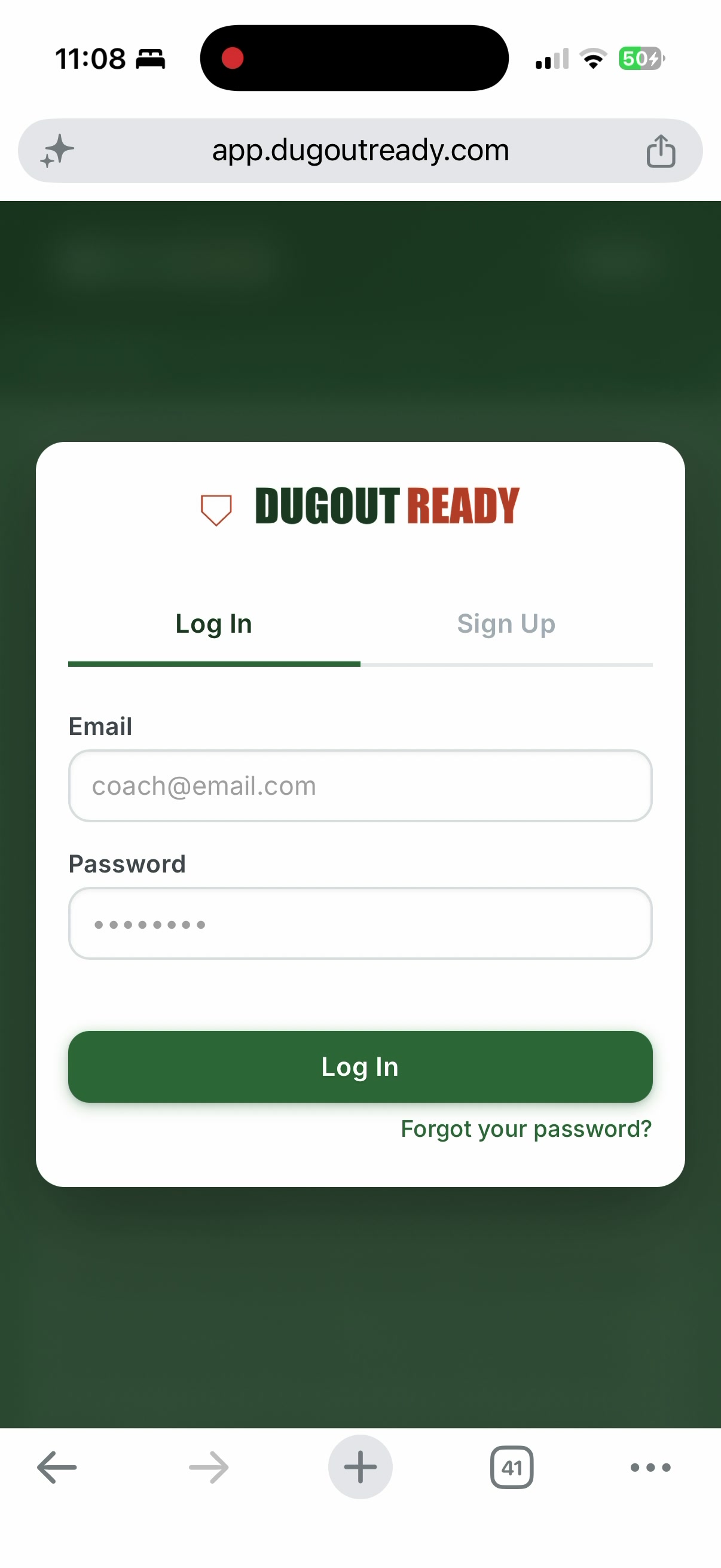
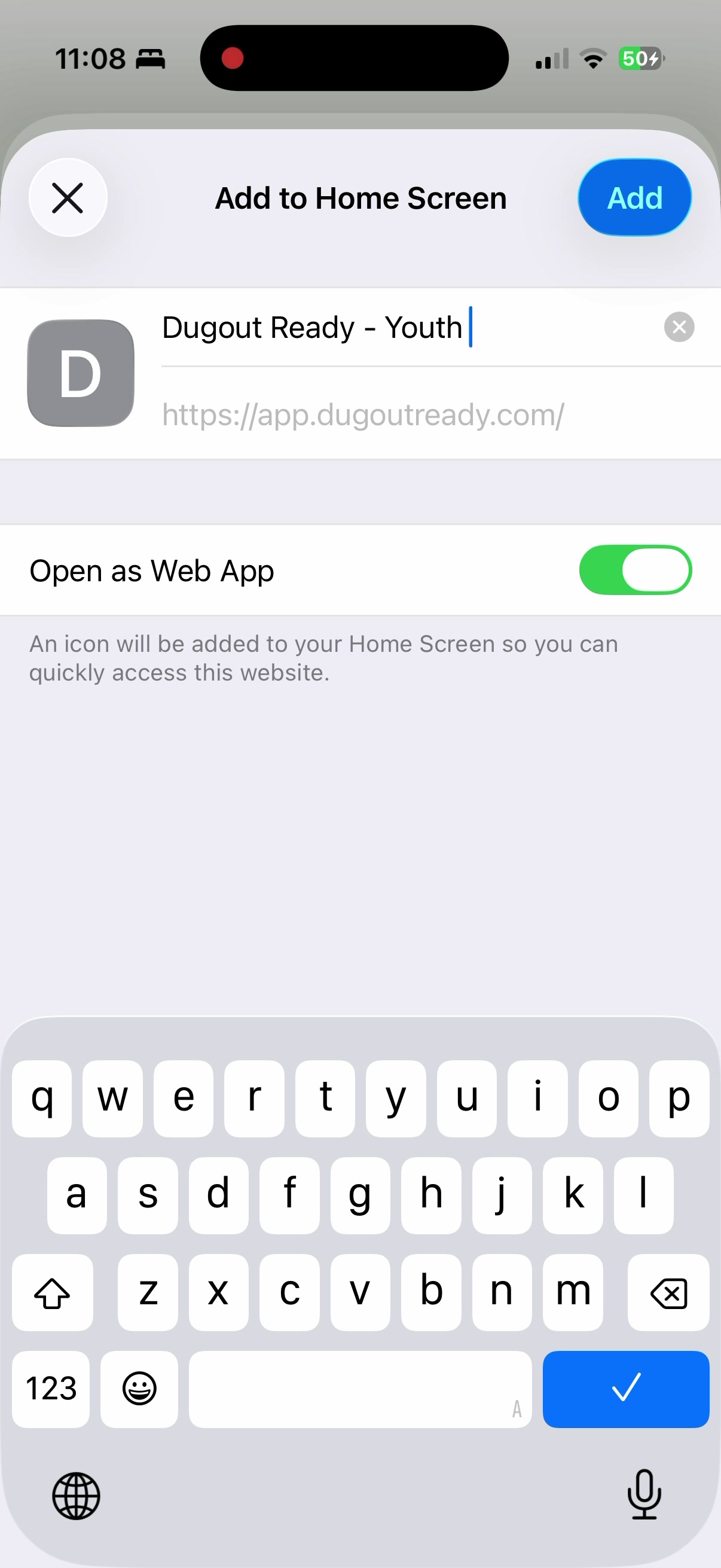
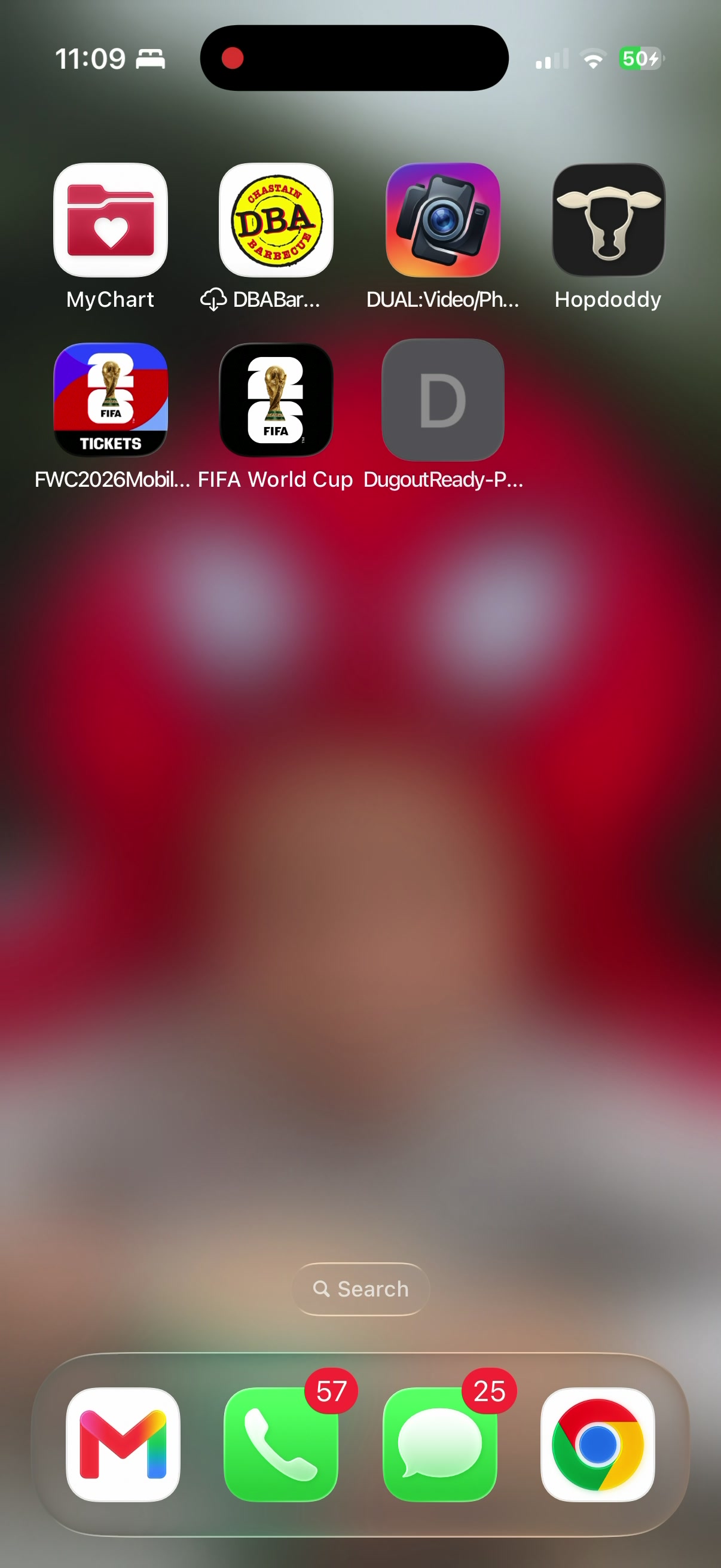
The whole setup takes about 5 minutes. You'll be building lineups by your next game.
Select a team or create a new one.
When ON: The catcher position is left open. All outfield spots stay filled. This is the preferred option for most youth coaches since outfield coverage matters more than having a catcher (the backstop handles passed balls).
When OFF: The algorithm leaves an outfield position open instead, filling catcher normally.
Example: You have 9 players and 10 positions. With this ON, you'll see 9 players across P, 1B, 2B, 3B, SS, LF, LC, RC, RF with no one at C. The backstop catches pitches.
GameChanger is the mobile app most youth leagues use to track games, stats, and team communication. This section will include a link for all parents to download the app, instructions on how to find your team, and tips for using the chat feature to stay connected during the season.
Quick walkthrough showing how to set up your league rules, and how the fielding lineup uses them to build a compliant batting order.
Get your league's specific rules dialed in so every lineup is compliant.
Every league does it differently. Some send rules in an email. Some post a PDF on their website. Some hand you a spreadsheet at the coaches meeting. And some give you a 10-page packet at draft night and expect you to memorize it.
This section helps you organize all of that into one place. Drop your rules in however you have them, and we'll sort through them for you. Or just toggle the settings manually if you already know what your league requires.
Got your league rules in an email, a PDF, a Google Doc, or buried on a website somewhere? Drop them in below however you have them. Our AI will read through everything and auto-fill the rule settings for you.
Copy from an email, PDF, Word doc, or wherever you got them. Just paste the full text here.
Configure your league's rules below. Toggle each rule on or off and adjust the values. The lineup generator enforces these automatically.
⚾ Infield Rules
🔄 Position Rules
🪑 Bench Rules
🏆 Playoff / Extra Innings
📝 Additional Rules
Save Team Info First
Head over to Team Setup and save your team info to unlock the roster.
Set up your team's uniform details. This info can be shared with parents so they know exactly what to buy and what the league provides.
Started using this tool mid-season? Add your previous games here so you can track game balls for those games too.
Cumulative position breakdown across all saved games. Use this to track fairness over the entire season.
What it measures:
• How often the player is stuck in outfield vs. infield
• Batting order position trends (always last?)
• Bench time compared to teammates
• Whether Coach's Kids are getting favorable treatment
How to read it:
🟢 Green = Fair distribution, happy parents
🟡 Yellow = Some imbalance, keep an eye on it
🔴 Red = Significant imbalance, a conversation with parents is probably coming
Requires at least 3 games of history to generate accurate ratings.
| # | Name | Teams | Signed Up | ||
|---|---|---|---|---|---|
| Loading users... | |||||
👤 Profile
🔒 Change Password
🔌 Sessions
⚠️ Danger Zone
Permanently delete your account and all associated data. This cannot be undone.